
Windows wallpaper, rethought for wide screens
Wallpapers that actually
fit your display.
Built for 21:9, 32:9 and multi-monitor setups.
Full-quality Free wallpapers · No ads · No watermark
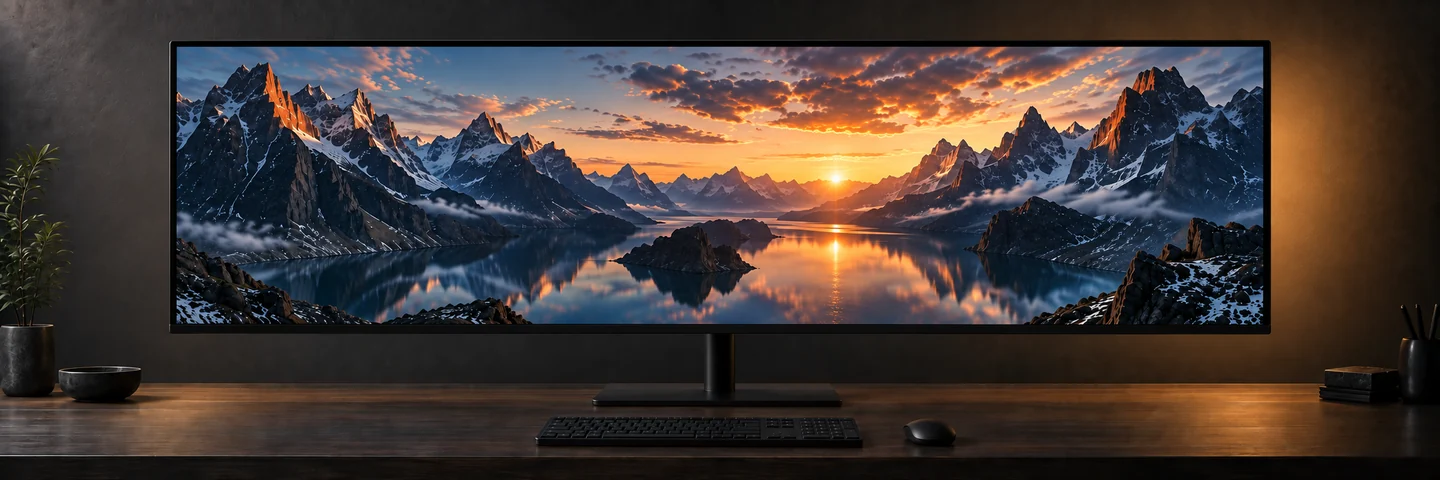
Made for wide screens.
Your desktop starts with your display.
Give every pixel a place in the picture.
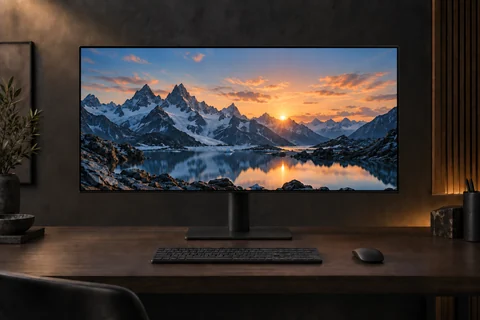
21:9
Ultrawide
More room for the view. Find the right composition for a wider everyday workspace.
Explore 21:9 wallpapers ↗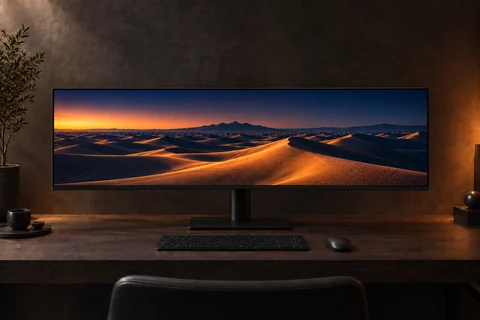
32:9
Super ultrawide
A panoramic canvas. Make the most of the extra width without stretching your image.
Explore 32:9 wallpapers ↗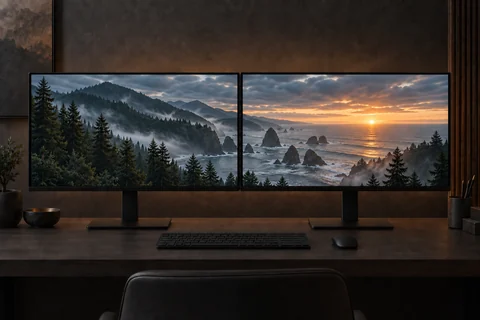
MULTI-MONITOR
Multi-monitor
A different wallpaper on each display, or one view that spans your whole setup.
Explore multi-monitor ↗The shape of a better wallpaper
Wide screens deserve
more than a stretched image.
A 16:9 image can lose a lot of its height when it fills a 32:9 display. Stretch it instead, and the whole scene changes shape.
Ultrawide Wallpaper starts with your target displays, then fits the image to their geometry. Choose a wide composition for more of the view, or use your own photos with a considered crop.
Why display geometry matters ↗Designed around
your setup.
One display or a desk full of them. The technical wallpaper engine is included free.
01
Detect displays
Start with the displays in your setup and choose your wallpaper target.
02
Fit wallpaper
Fit an image to the target display while preserving its proportions.
03
Per display
Give each monitor its own image and its own composition.
04
Span displays
Bring multiple displays together with one spanning wallpaper.
05
My Photos
Use images from your own selected local folders.
06
Auto Change
Rotate still wallpapers on a schedule from your chosen sources.
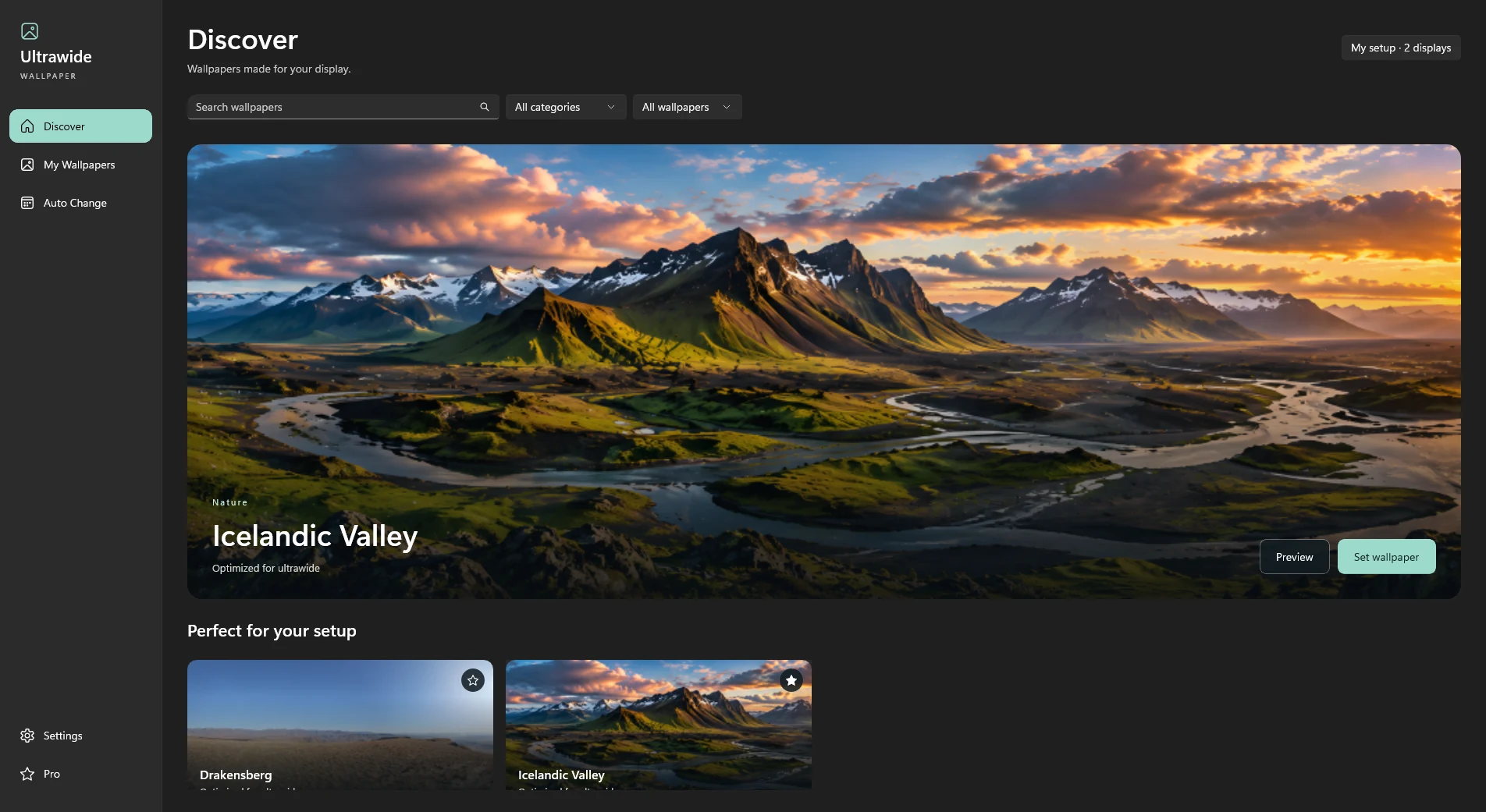
My Photos
Your wallpapers.
Your monitors.
That landscape you photographed. The view you always come back to. Add your personal image folders with My Photos and use the same wallpaper fitting engine with your own pictures.
Explore My Photos and more ↗Auto Change
A fresh perspective.
On your schedule.
Keep your desktop moving through still images with scheduled wallpaper rotation. Use Free wallpaper content and your personal photos. Optional Pro adds premium library content to Auto Change.
Explore Auto Change ↗Free means useful.
The complete technical engine is yours.
Pro opens up more of the wallpaper library.
Everything you need to get started
Free
€0 / free to use
A complete wallpaper engine. Full-quality Free content.
- Display fitting, per-monitor and spanning wallpapers
- My Photos and Auto Change
- Favorites, recently used, categories and search
- No ads, watermarks or resolution limits
More scenes. Same great fit.
Optional Pro
€7.99 / one-time purchase
Current launch price. No subscription.
- Everything included in Free
- Unlock the premium wallpaper library
- Use Pro content with Auto Change
- No ads
Purchase Pro in the Windows app through Microsoft Store.
Know your display.
Find your fit.
Practical guides to aspect ratios, image sizes and getting a better result across your monitors.
Give your ultrawide the wallpaper it deserves.
Get it free on Microsoft StoreFree to start. Optional Pro. No subscription.